AmiPulse SFX
A downloadable tool
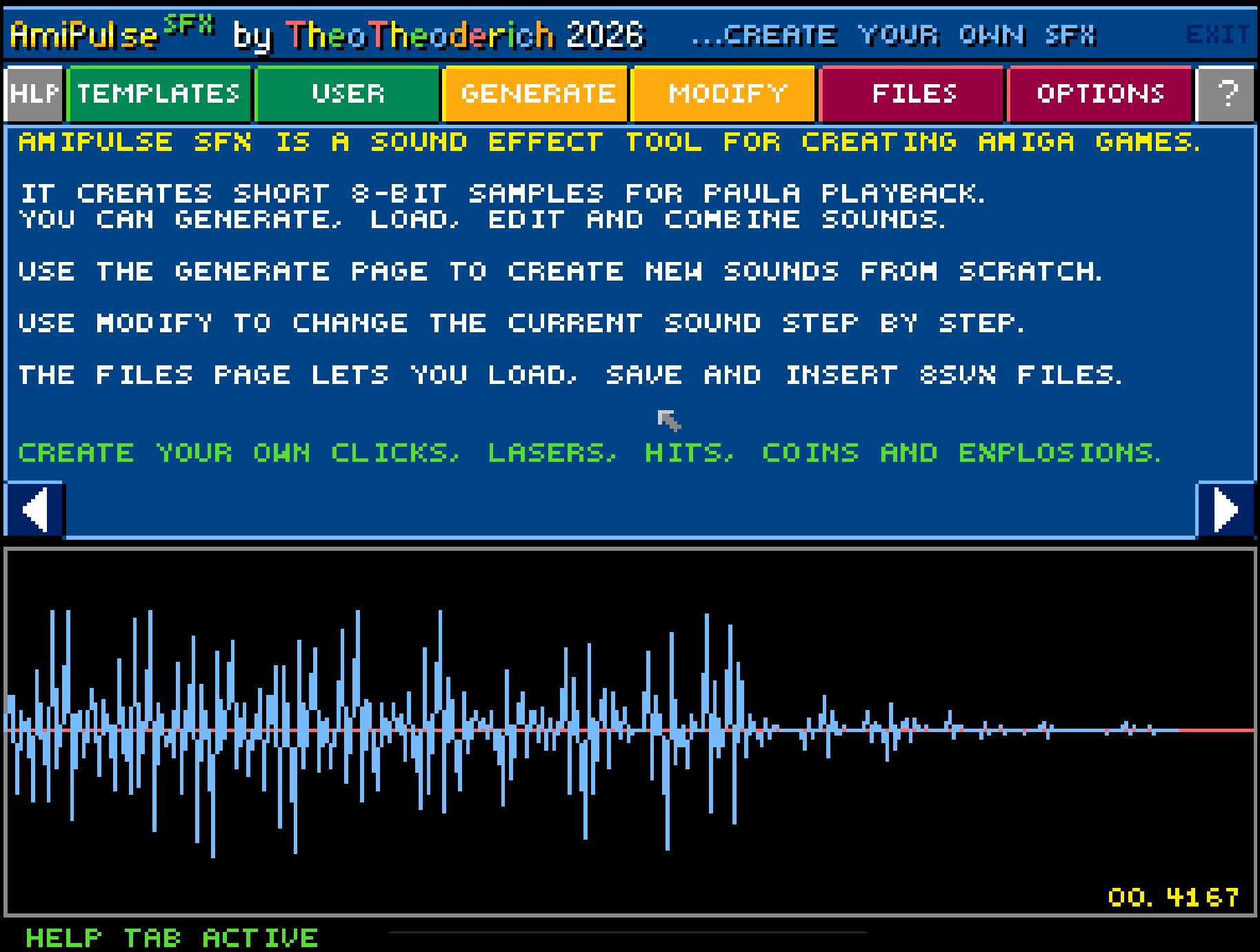
AmiPulse SFX is a native Amiga tool for creating short 8-bit sound effects
for games, demos and retro projects.
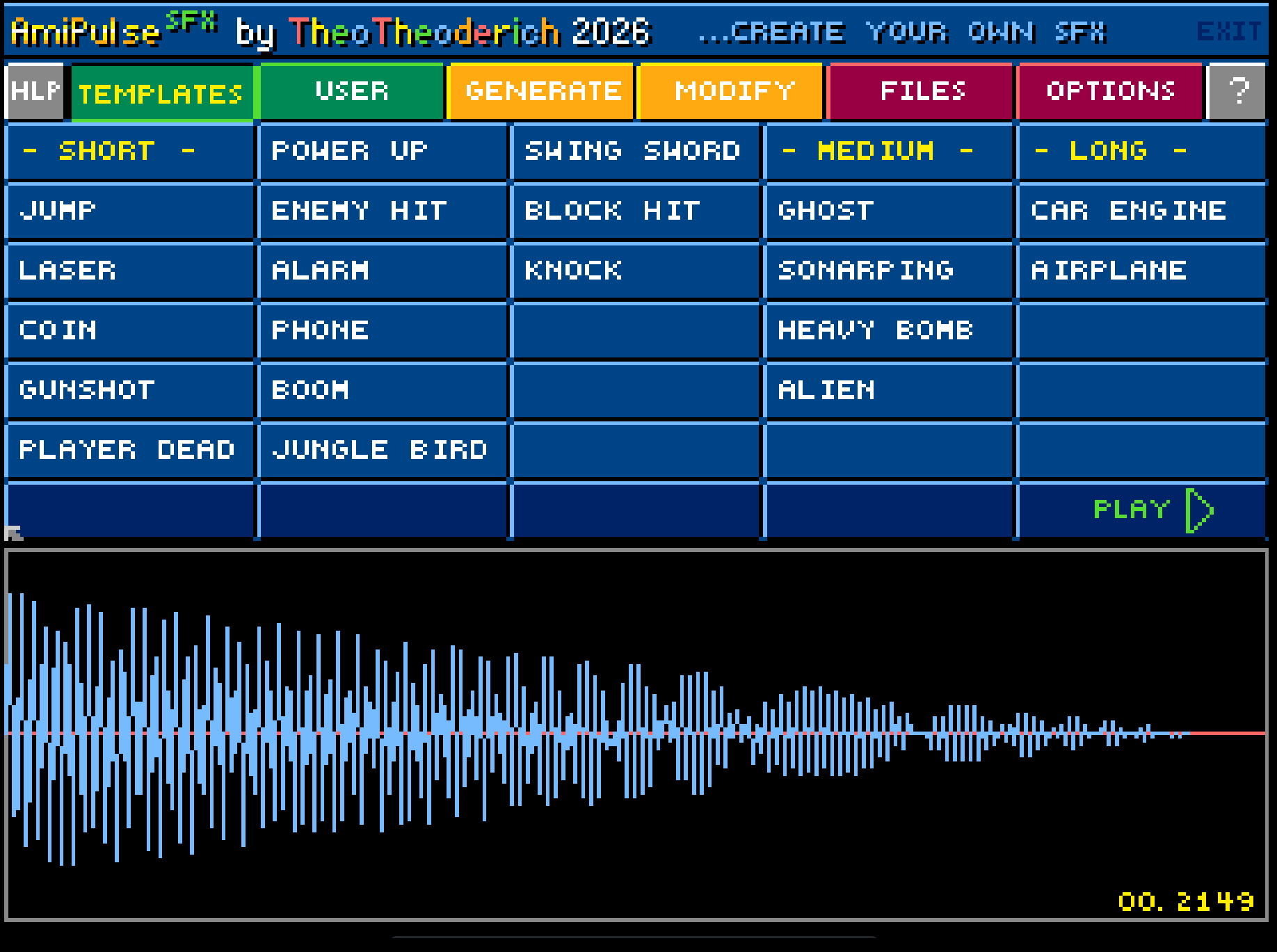
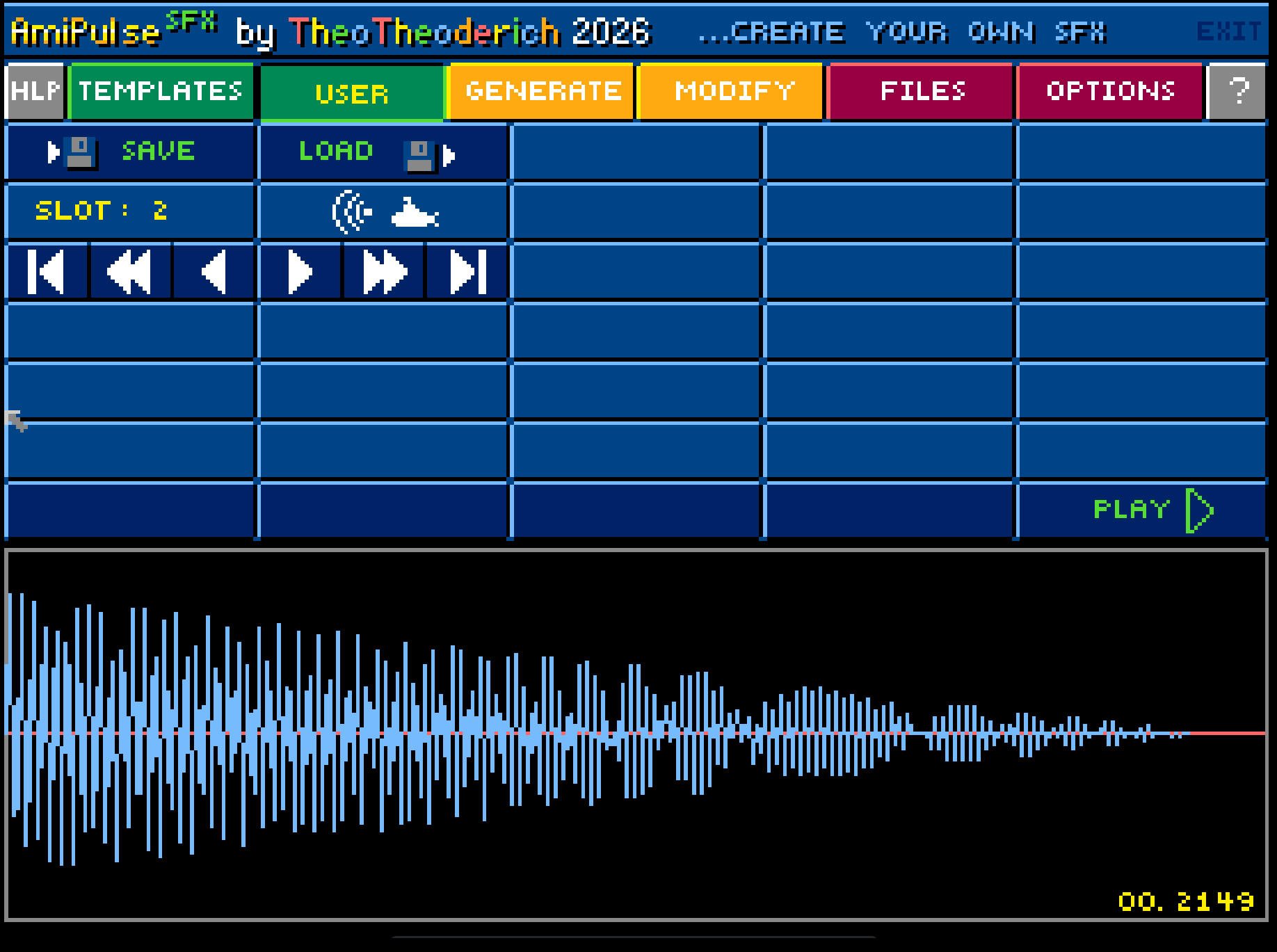
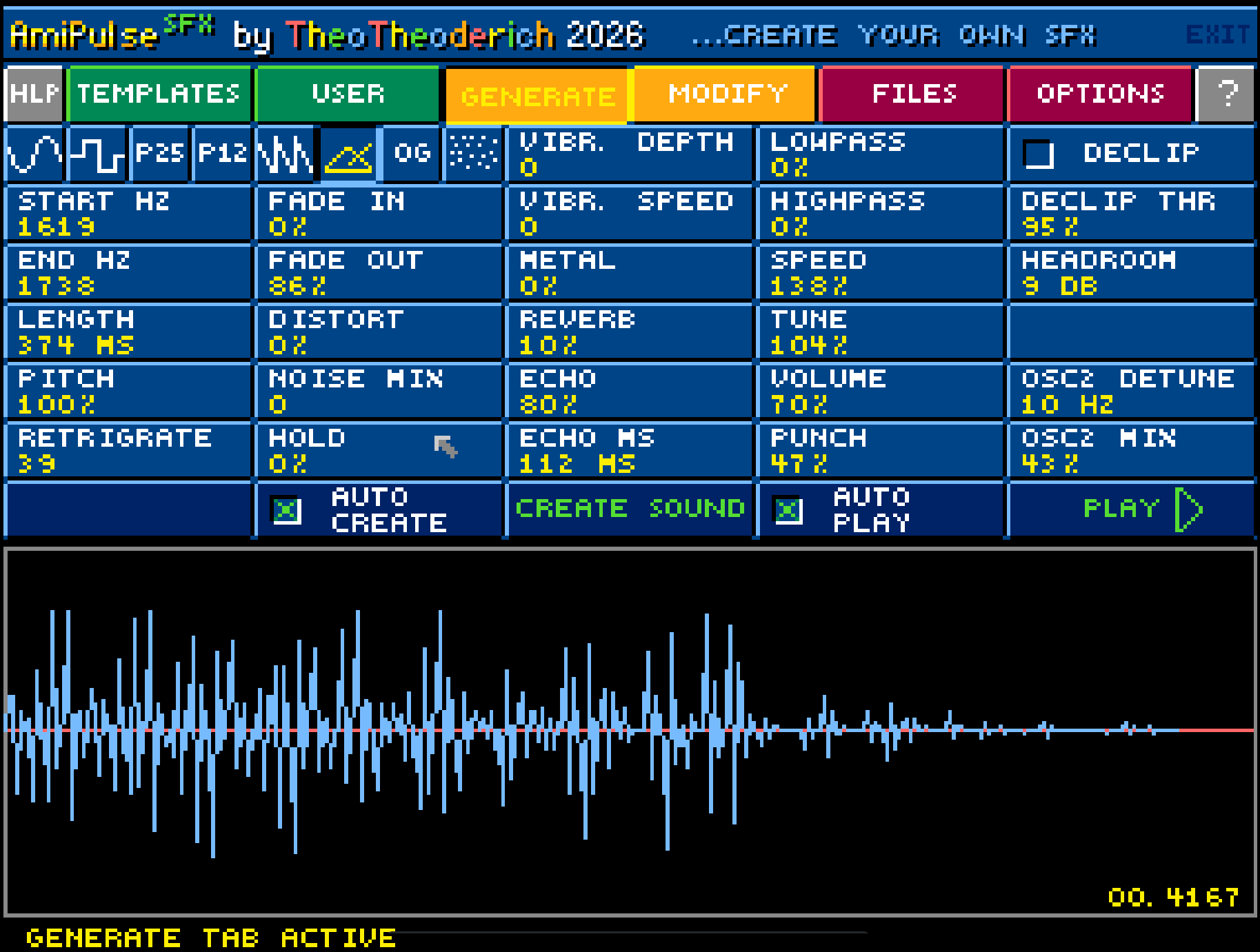
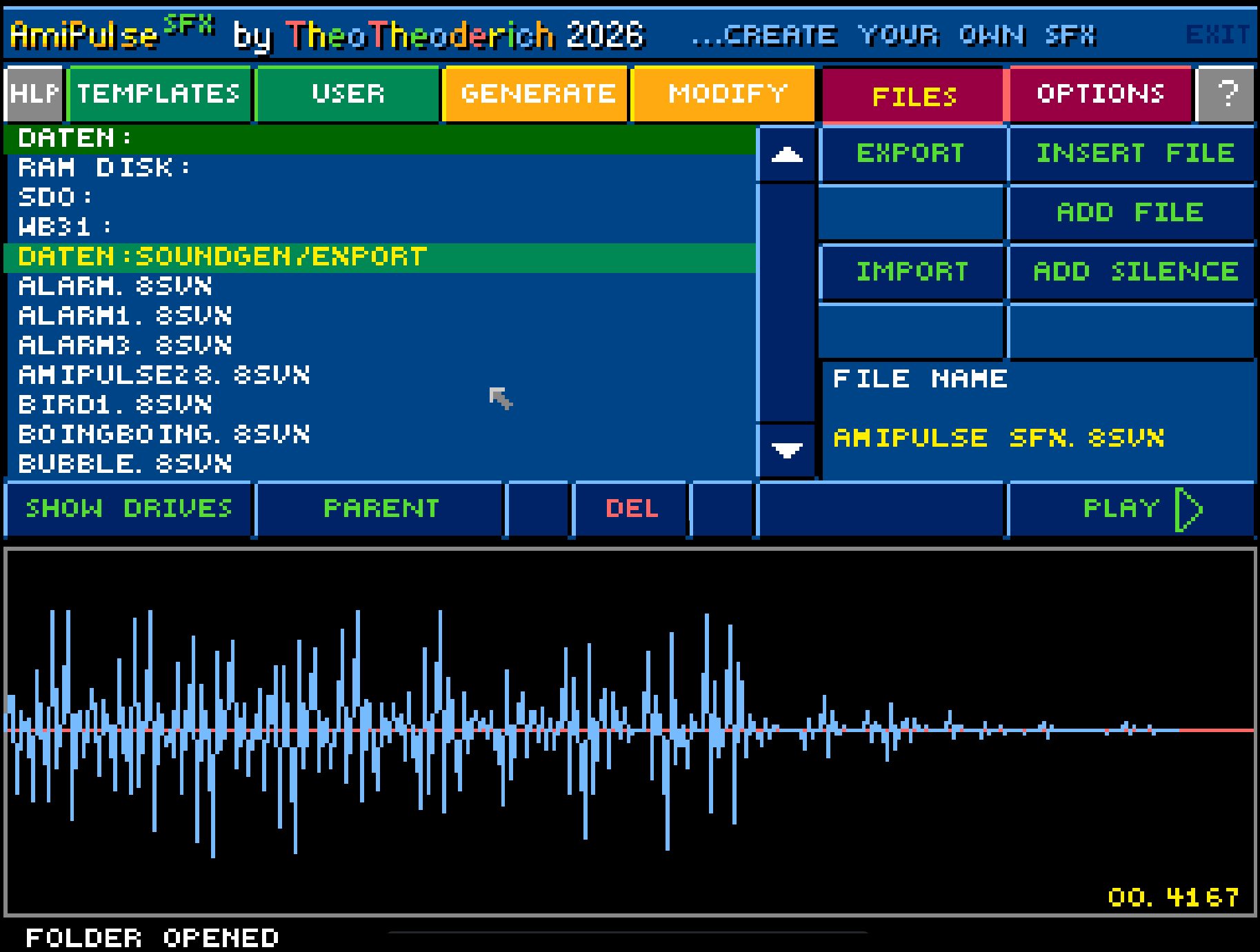
It can generate, modify, load, save, preview and combine 8SVX samples
directly on an Amiga system. Use templates for quick results, or shape your
own sounds with editable parameters.
Create clicks, coins, hits, lasers, explosions, machine sounds, bass and other
classic Paula-style effects.
AmiPulse SFX is free to download.
Sound effects created with AmiPulse SFX may be used freely, including in
commercial projects. Please see the included ReadMe and Licence files for
details.
AmiPulse SFX Hardware Requirements
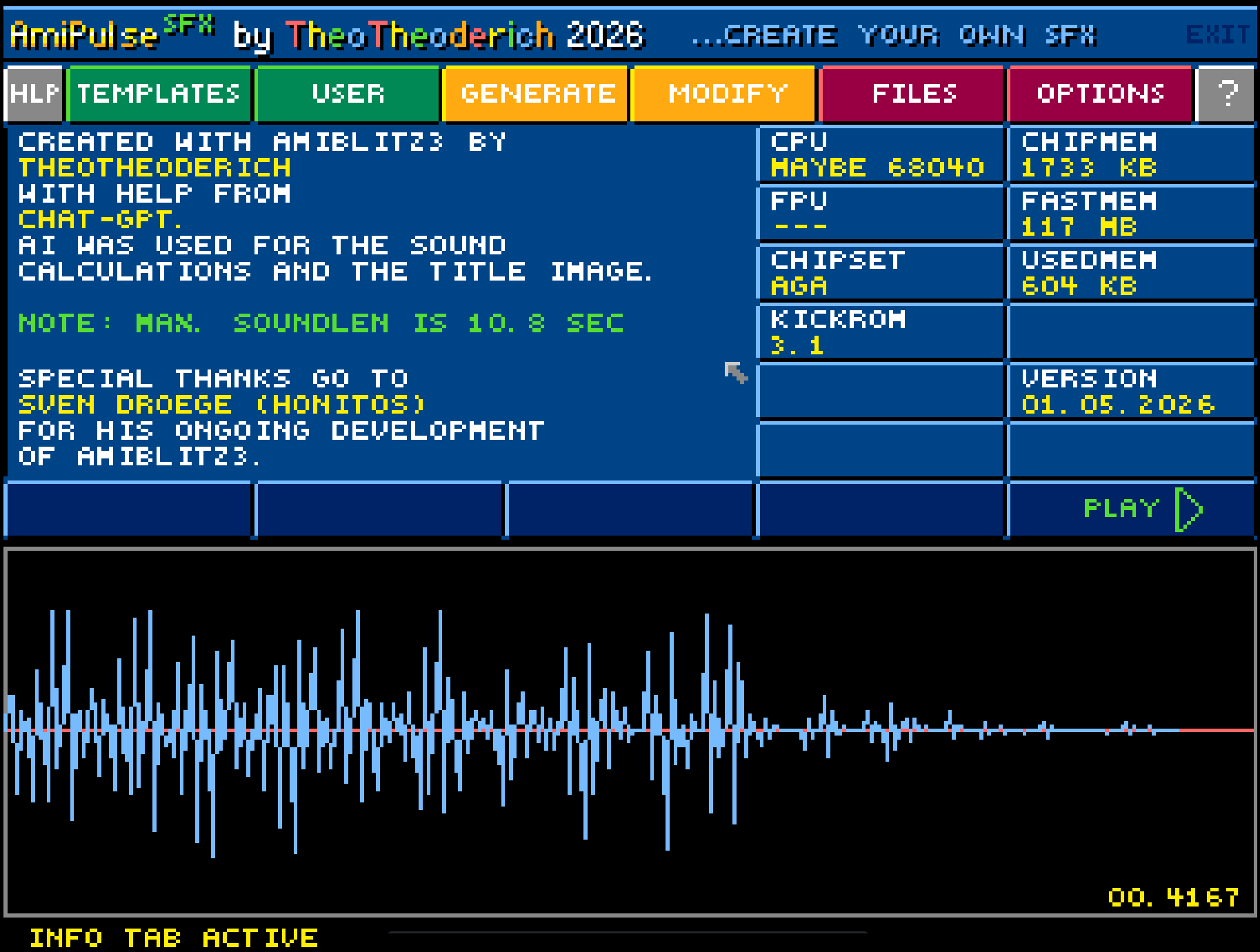
- 68020 CPU or better (will not run on a 68000!)
- 68030 CPU or better is strongly recommended to have fun with this tool
- 1 MB of Chip-RAM, some Fast-RAM is recommended
- KickROM 3.1 or better
Important note about importing sounds:
To import and edit sound files in AmiPulse SFX, the files must use the .8SVX filename extension.
Files without the .8SVX extension will not be shown as importable sound files in the file browser.
Download
Install instructions
Running from Disk/ADF:
Simply launch AmiPulse SFX from a floppy disk or an ADF file.
Hard disk installation:
To use AmiPulse SFX from hard disk, either extract the AmiPulseSFX LHA archive into any folder on your Amiga hard drive, or copy the complete contents of the AmiPulseSFX ADF disk into any folder on your Amiga hard drive.
AmiPulse SFX can then be started from hard disk by double-clicking the program icon.
Comments
Log in with itch.io to leave a comment.
great!
Respect!
very good
Sweeeeeeet!